Internship
Language Navigator
Building a design system for an open language data tool
Challenge
A growing tool with no design system
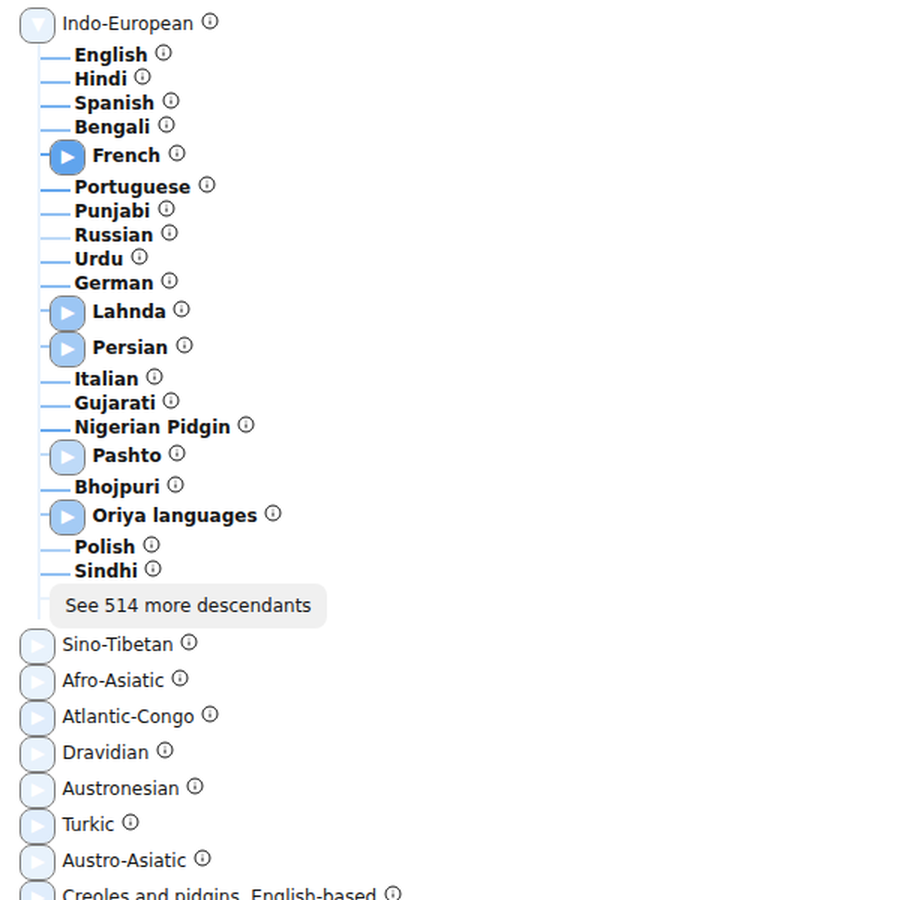
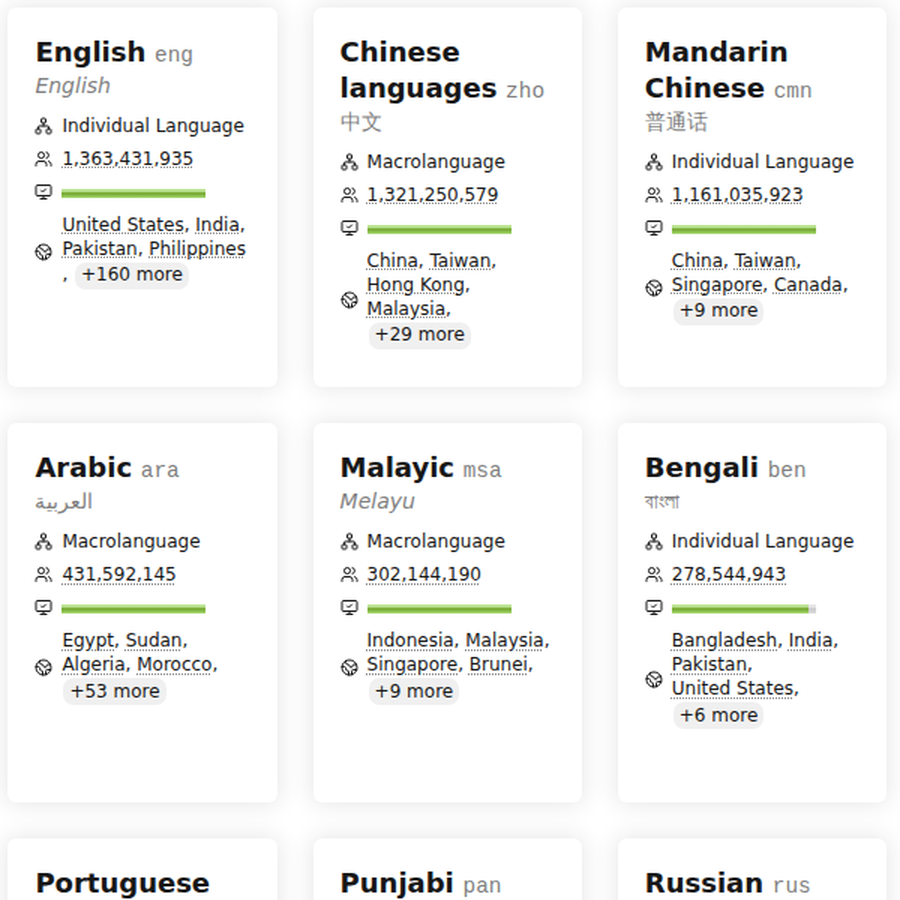
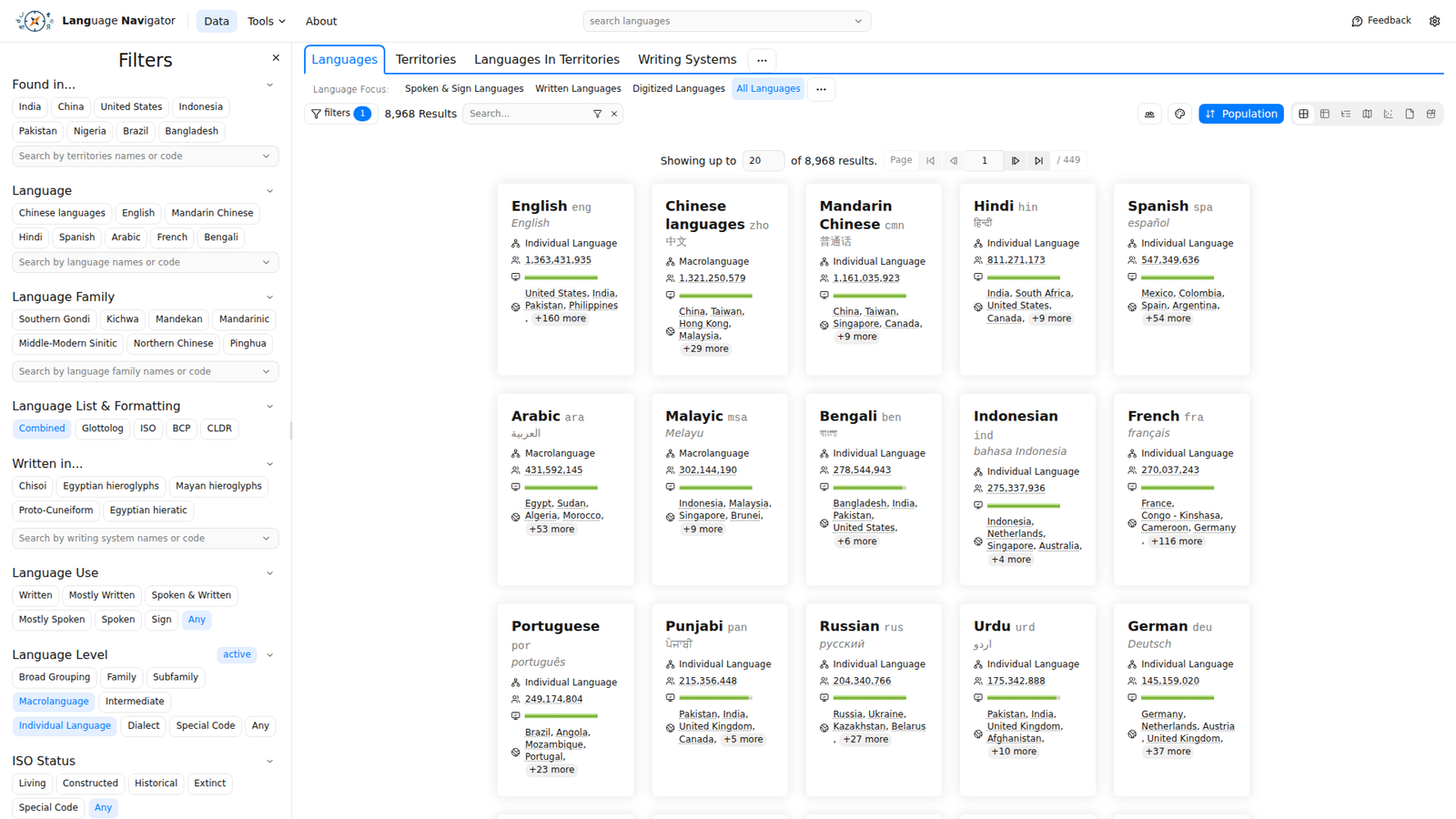
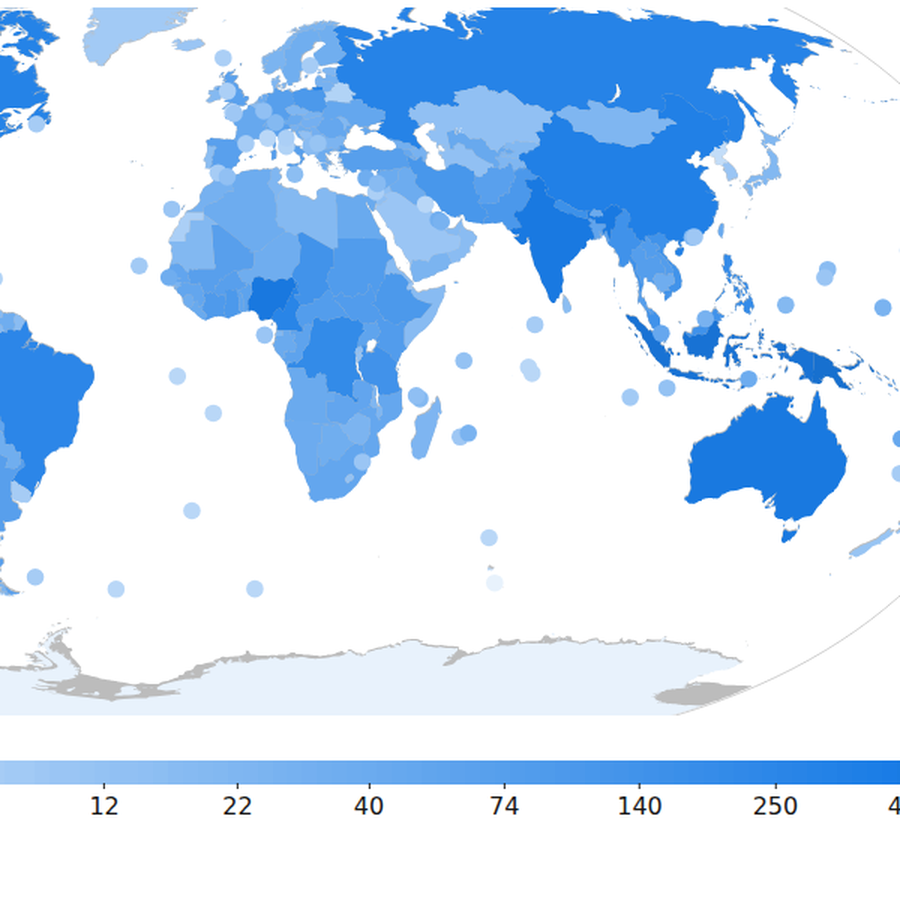
Language Navigator is a free, open tool for exploring the world's languages, built by Translation Commons, a nonprofit organization whose partners include UNESCO's World Atlas of Languages. It covers close to 9,000 languages and language-like entries that can be browsed as cards, a hierarchy, a table, reports, or a map. The tool had grown without a design system or brand guidelines, and the interface had picked up inconsistencies as the site was rebuilt piece by piece. Before the UI could be redesigned, the team needed a shared design foundation that matched what the developers were actually building with.
Results
The project got its first design system
The project got its first design system, built in Figma on shadcn/ui, the component library the engineering team adopted. The design and engineering teams aligned on that foundation, the site migration to shadcn components proceeded one piece at a time, and design review became a regular part of the pull request process.
My impact
What I owned: the system file and design review
- Set up the project's design system file in Figma from the codebase resources and shared it with the design and engineering team
- Evaluated the component library direction with a second designer, comparing Chakra UI and shadcn/ui on TypeScript support, accessibility, and visual foundation
- Gave design feedback on live pull requests, including the digital support indicator, the language details header, and navbar and intro page redesigns
- Coordinated design work asynchronously across a remote volunteer team spread over several time zones
Process
How the system came together
The product
The Navigator pulls data from sources like Unicode CLDR and Glottolog. People come to it with practical questions: the code for a language, which languages are spoken in a country, and which languages have digital support and which are missing it.
Joining the team
I joined in late June 2026 as a Product Design Intern. The design lead scoped my work into two areas: lead new feature design, and orchestrate the website's design system. My main point of contact was the engineering manager who leads the project and coordinates roughly 30 volunteers. The design team was three people, all remote, so most of the work happened asynchronously.
Starting the design system
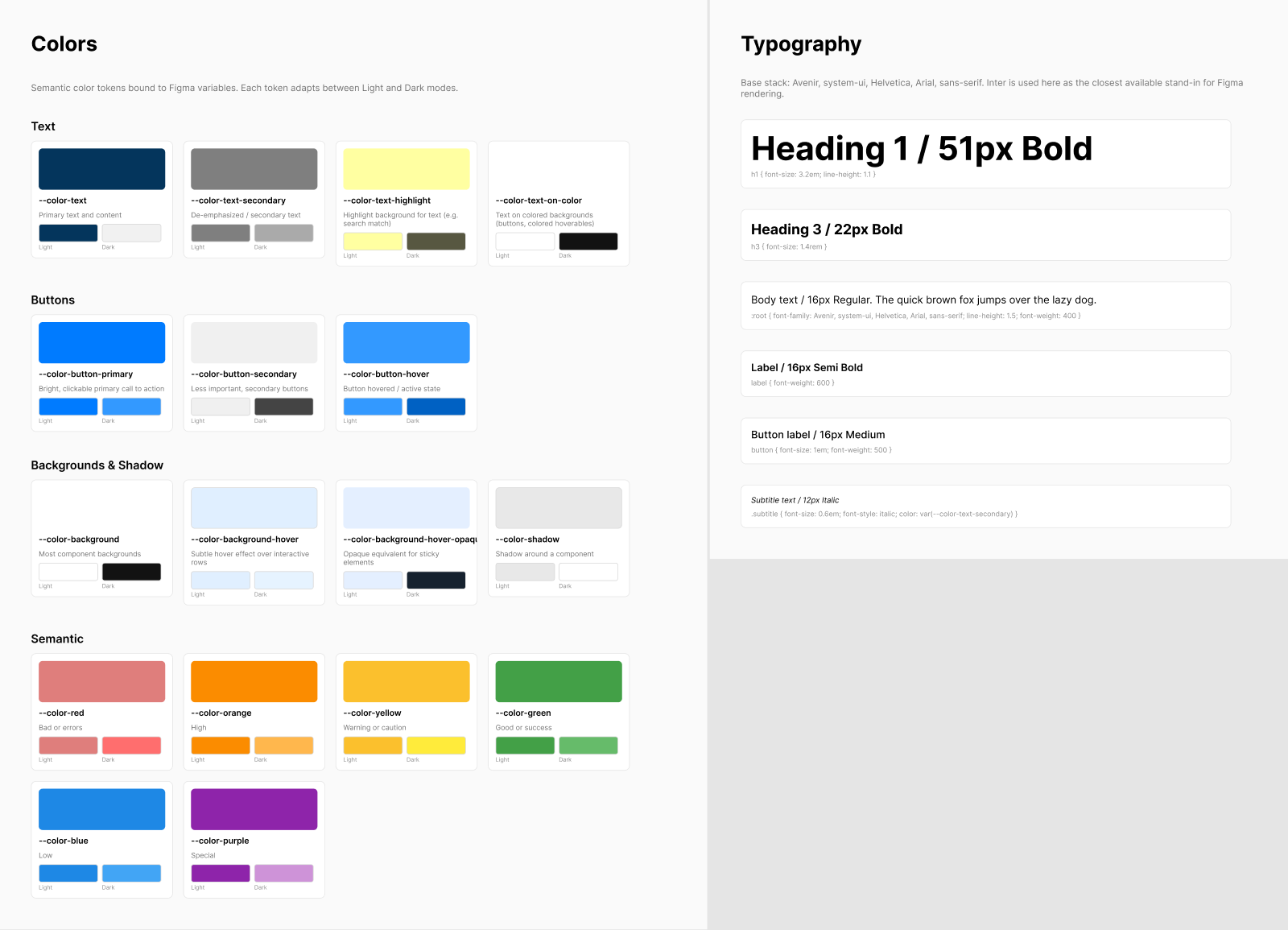
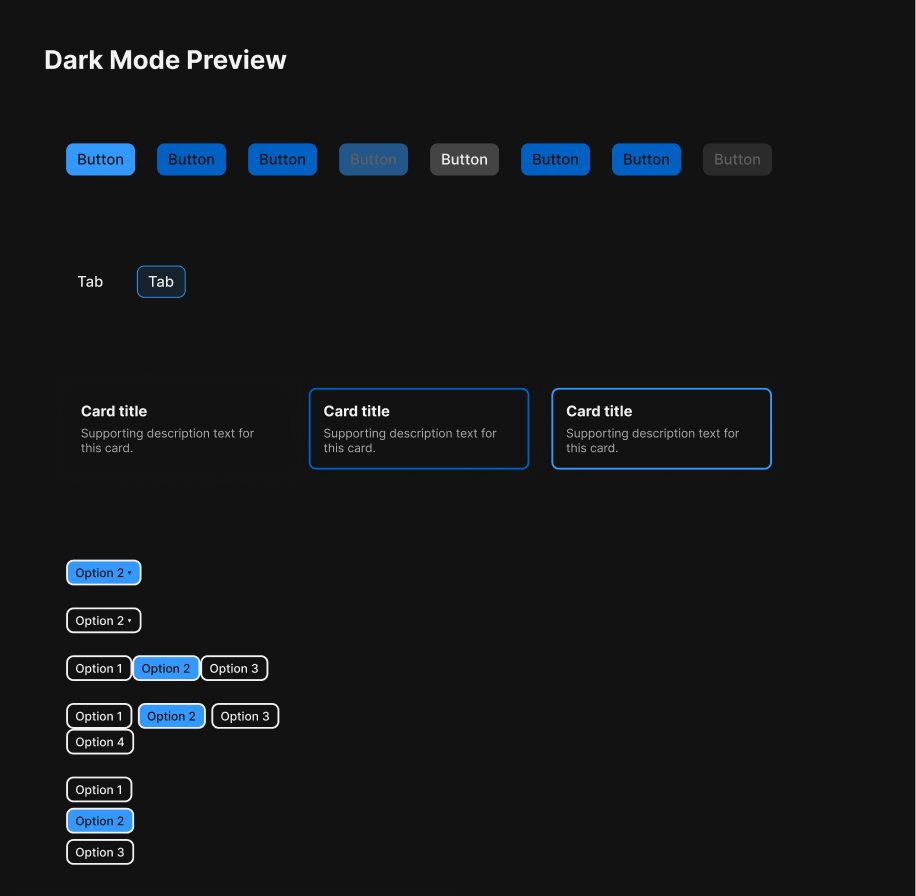
There was no design system to inherit, so I built the first version of the Figma design system file from the project's GitHub resources, so design work would start from the real codebase instead of from a blank page. I shared the file with the team in mid-July and collected feedback on it. The system documents semantic color tokens as Figma variables, each with light and dark values, a type scale, and components drawn from the live product: buttons with their states, the language card used in the card list, selectors, the gauge that shows digital support levels, a theme toggle, the navigation bar, and the data table.
Choosing the foundation
In parallel, the design team compared two component libraries, Chakra UI and shadcn/ui. Chakra would move faster with a ready visual foundation, while shadcn gave the project full ownership of the components at the cost of more upfront work. Engineering standardized on shadcn with Tailwind and Radix, including light and dark modes and design token variables, and began migrating the site one component at a time. That decision set the direction for design: the design system and guidelines had to be based on the library developers were actually shipping. A recurring question in my work was priority, what to align now and what to leave for the redesign.
Design feedback on live work
Design review happened on real pull requests. One redesigned the digital support indicator, and the team debated whether a 10-point score hides exactly the support gaps most users come to find. Another reworked the top of the language details pages, where names and codes had pushed important information too far down. The navbar and intro page went through redesign options as well, including how search should be grouped. I took part in these critiques as part of the design team.
Around the system
Three supporting workstreams ran alongside the design system. The team catalogued issues from an earlier UX audit into themes with proposed solutions, split into quick fixes and longer-term decisions. Because no brand guidelines existed, a stakeholder questionnaire went out to ground the visual direction before anyone proposed a UI concept. And the team planned user interviews, since written feedback from people testing the app was hard to interpret without seeing how they actually navigated it.
Retrospective
What open-source design taught me
This internship showed me how design works in an open-source volunteer team. Nobody owns the roadmap, time zones eat most of your meeting options, and a design system only matters if it matches what developers are shipping. I learned to make progress with incomplete information and to write decisions down so the next person can pick them up asynchronously. My internship ended in August 2026, so I handed off while the migration was still in progress. I would have liked to see the rollout through.